Plus AI
Generate entire presentations from a prompt or document. Edit, rewrite, and reformat slides with AI directly inside Google Slides and PowerPoint. Start for free.

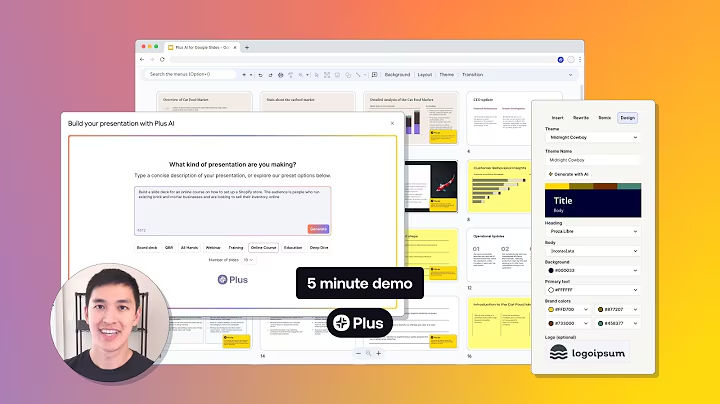
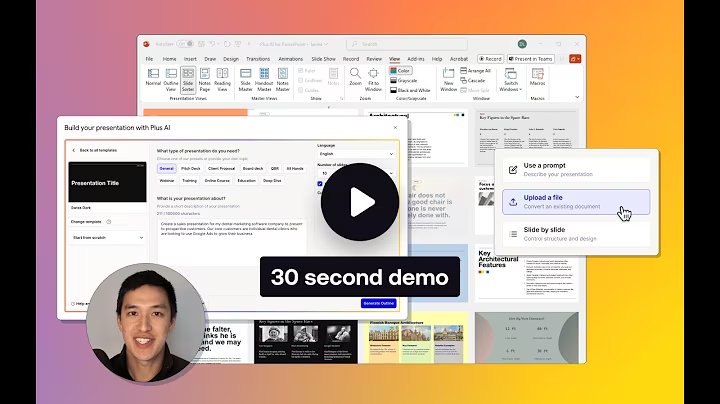
Stop building slides the old way. This tool works directly within Google Slides and PowerPoint, so you don't have to learn a new application or deal with file compatibility issues. Generate a complete presentation from a simple text prompt or by uploading an existing document like a PDF, Word file, or even another PowerPoint.
Once your draft is ready, use AI to refine it. You can rewrite text to change the tone, summarize key points, or elaborate on ideas. The unique Remix feature reformats any slide—even just a block of text—into a professional layout with a single click. Enhance your slides with AI-generated images, icons, and fully editable charts to make your data visually compelling.
Key capabilities include:
- Works inside PowerPoint & Google Slides: No need to export or worry about compatibility.
- Generate from any source: Use a prompt, PDF, DOCX, or TXT file to start.
- AI-powered editing: Rewrite, summarize, and reformat slides instantly.
- Custom templates: Bring your own company templates to maintain brand consistency.
See Plus AI in Action
Watch real tutorials and reviews to help you decide if this is the right tool for you.

This tutorial will help you set up Plus AI inside of PowerPoint or Google Slides and teach you how to create a presentation using AI. It also shows you how to edit existing slides with AI using the Plus AI add-in. Table of contents: 00:00 Introduction 00:18 How to install Plus AI in PowerPoint 00:33 How to install Plus AI in Google Slides 00:55 How to make an AI presentation using Plus AI 03:33 What is a Plus tip? 04:15 How to automatically reformat (remix) a slide using AI 06:33 How to insert a single slide using AI 07:50 Conclusion Links Plus AI presentation maker - https://www.plusdocs.com/ Plus AI for PowerPoint - https://appsource.microsoft.com/en-us... Plus AI for Google Slides - https://workspace.google.com/marketpl... Custom templates in Plus AI - https://www.plusdocs.com/contact-ente...