9 Best AI Presentation Makers: Create Slides in Minutes
Compare the 9 best AI presentation makers for 2026. Reviews of GenPPT, Gamma, Beautiful.ai, Prezi AI, Pitch, and more. Create professional presentations in minutes.
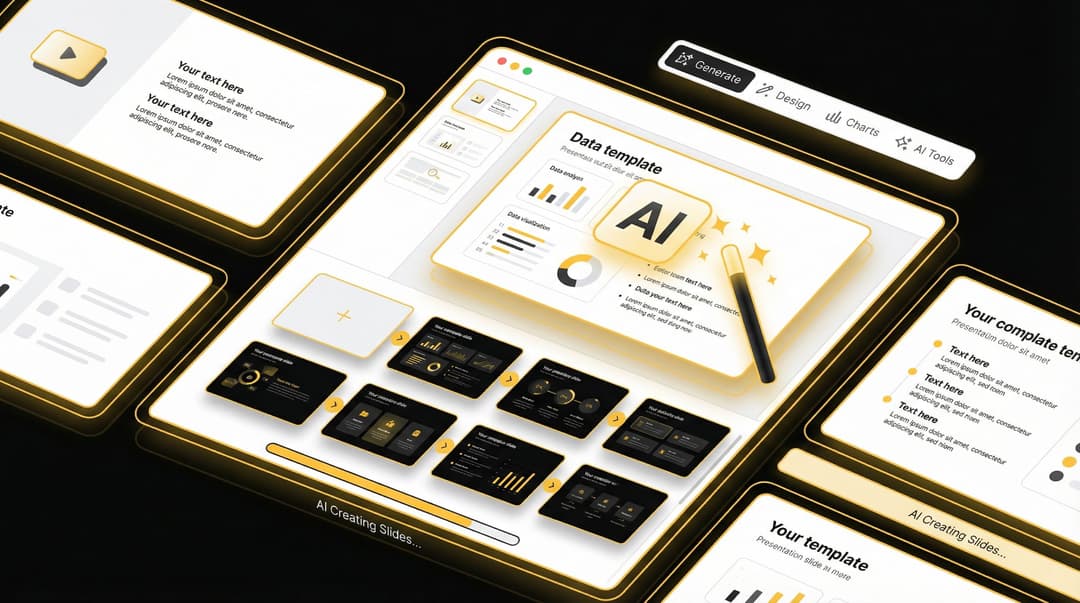
The Best AI Presentation Makers in 2026: A Complete Guide
The way we create presentations is changing fast. Gone are the days of spending hours manually arranging slides in PowerPoint. With AI, you can do pretty much anything on your own. That's why picking the best AI presentation makers is more important than ever.
There are a ton of options out there with new AI Presentation Makers hitting the market every week.
Good news for you is that we have tested the top platforms and we have narrowed it down to these top 9. From a solo entrepreneur to a large firm, these are the best.
After testing and analyzing the top platforms, I've put together this comprehensive guide to help you make an informed decision. Whether you're a solo entrepreneur, part of a large enterprise team, or a student on a budget, there's a tool here that fits your requirements.
Before diving deep, here's a snapshot of what each platform offers:
- GenPPT: Best for speed and simplicity - generates complete decks in under 60 seconds
- Gamma: Best overall for content quality and versatility with generous free credits
- Beautiful.ai: Best for design consistency and automatic brand control
- Prezi AI: Best for dynamic, non-linear presentations that keep audiences engaged
- Prezent: Best for large enterprises needing audience-specific customization
- Pitch: Best for sales teams needing real-time data integration
- STORYD: Best for strategic presentation frameworks and narrative structure
- Microsoft Copilot: Best for Microsoft 365 users wanting seamless integration
- Slidesgo AI: Best free option with Canva-like editing flexibility
GenPPT: Best for Speed

Turn 1,000 pages of notes into 10 slides. In seconds.

An AI that builds your entire PowerPoint deck for you. Just give it a topic. It handles the boring parts so you can focus on your big idea.
GenPPT is built for anyone who needs slides yesterday. This AI presentation maker generates complete PowerPoint decks in under 60 seconds from just a topic or even a 1,000-page document.
What makes GenPPT stand out is its blazing speed and dead-simple interface. You type in a topic—like "The Future of Renewable Energy"—and the AI generates a full 10-slide presentation with title, outline, and content for each slide. It's not just text either; the AI adds professional designs and visuals automatically, so you don't have to hunt for stock photos.
The platform includes a Text-to-Slides Converter that can turn notes, articles, or documents into presentation decks. This is perfect for converting research into slides or turning meeting notes into a polished deck. Once generated, you can personalize with prompts to rewrite slides, change the tone, or add specific data points.
Pricing:
GenPPT offers a $1 trial, making it zero-risk to try. While specific pricing isn't prominently displayed, expect pricing similar to competitors around $19 per month. If you make more than one presentation a month, the time saved easily pays for itself.
Best for: Founders making pitch decks, students with last-minute assignments, marketers needing campaign overviews, and anyone who values speed over pixel-perfect control.
Gamma: Best Overall

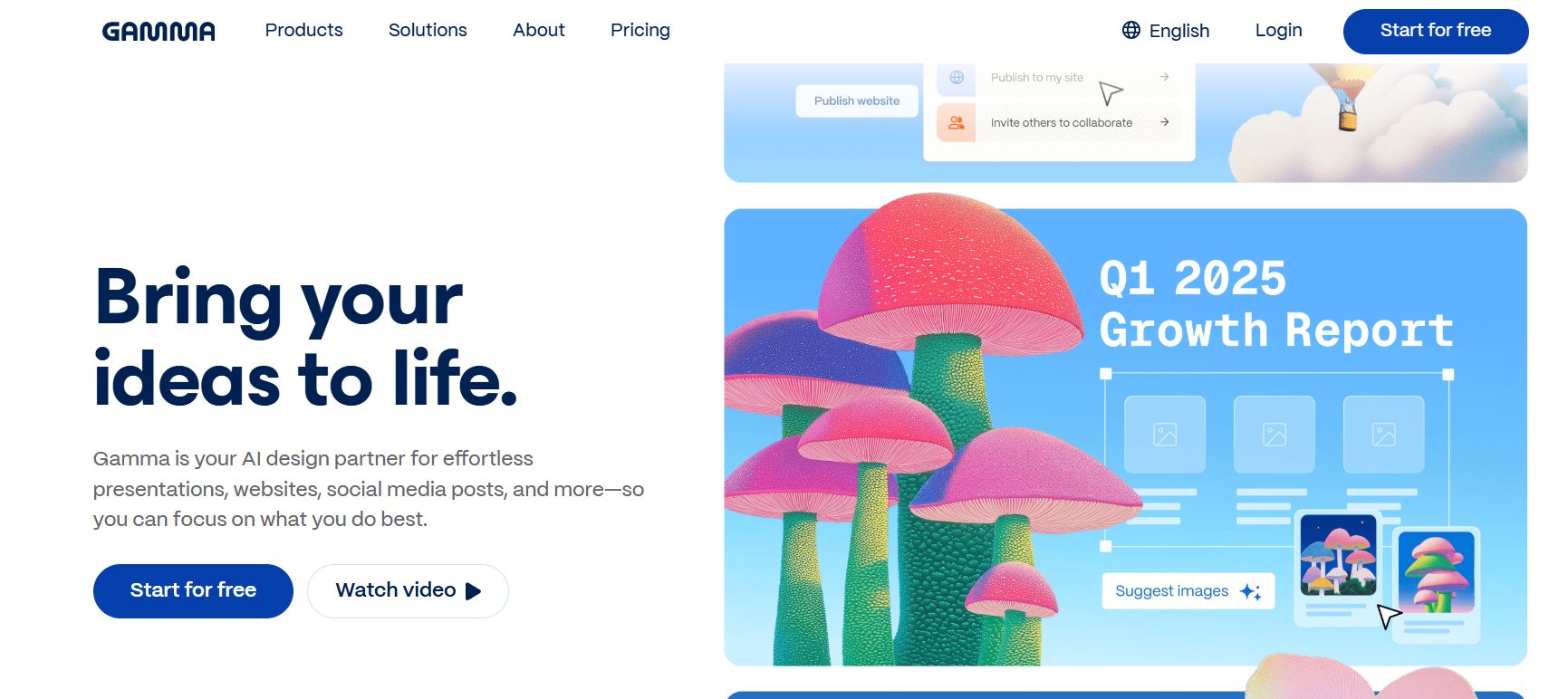
Generate beautiful presentations and sites in seconds.

Generate polished presentations, docs, and webpages from simple text prompts. Create engaging, interactive content in minutes without any design experience.
Gamma takes the top spot for good reason. It's not just a presentation maker but a complete content creation platform that can generate slides, documents, and even web pages from a single prompt.
What sets Gamma apart is its AI Agent feature. Unlike other tools that rely solely on pre-trained models, Gamma can scan the internet and pull data from your attachments to create more relevant, current content.
It uses ChatGPT-4 for text generation and Flux/Imagen 3 for images, resulting in presentations that look cohesive and professional without much manual adjustment.
The platform excels at understanding context. Give it a prompt, and it will research, synthesize information, and design your presentation with harmonious colors and smart formatting. For agencies and content creators who need to produce personalized versions for multiple clients, the API connection is invaluable.
Pricing:
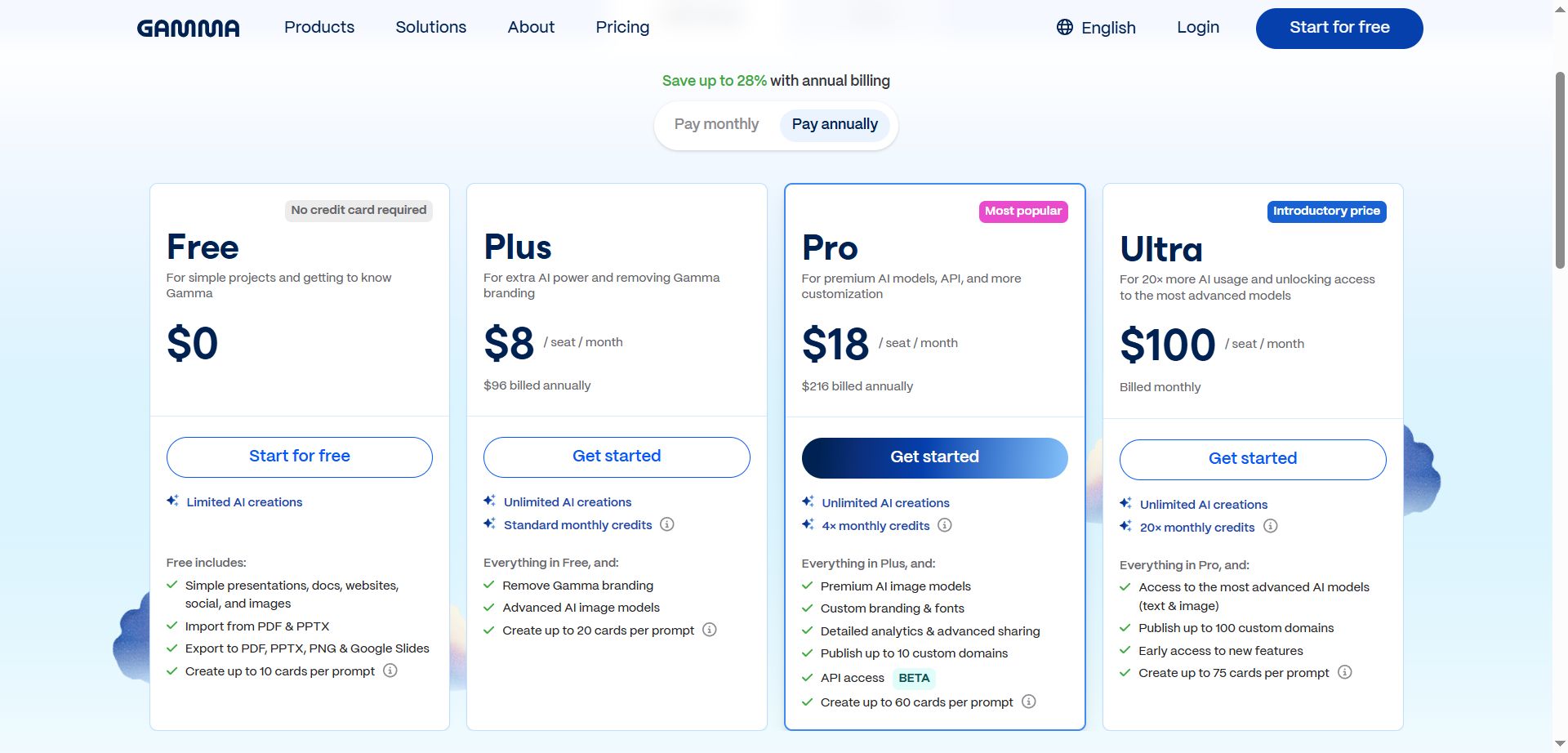
The free plan includes 400 AI credits at signup, which is the most generous in the market. Paid plans start at $8/month for unlimited AI usage, making it extremely affordable for what you get.
Best for: Small businesses, agencies, content creators, students, and anyone who values both quality and affordability.
Beautiful.ai: Best for Brand Consistency

Build stunning, work-ready presentations faster.

Create professional decks in minutes with an AI presentation maker. Generate drafts from a prompt, use Smart Slides for fast formatting, and collaborate with your team.
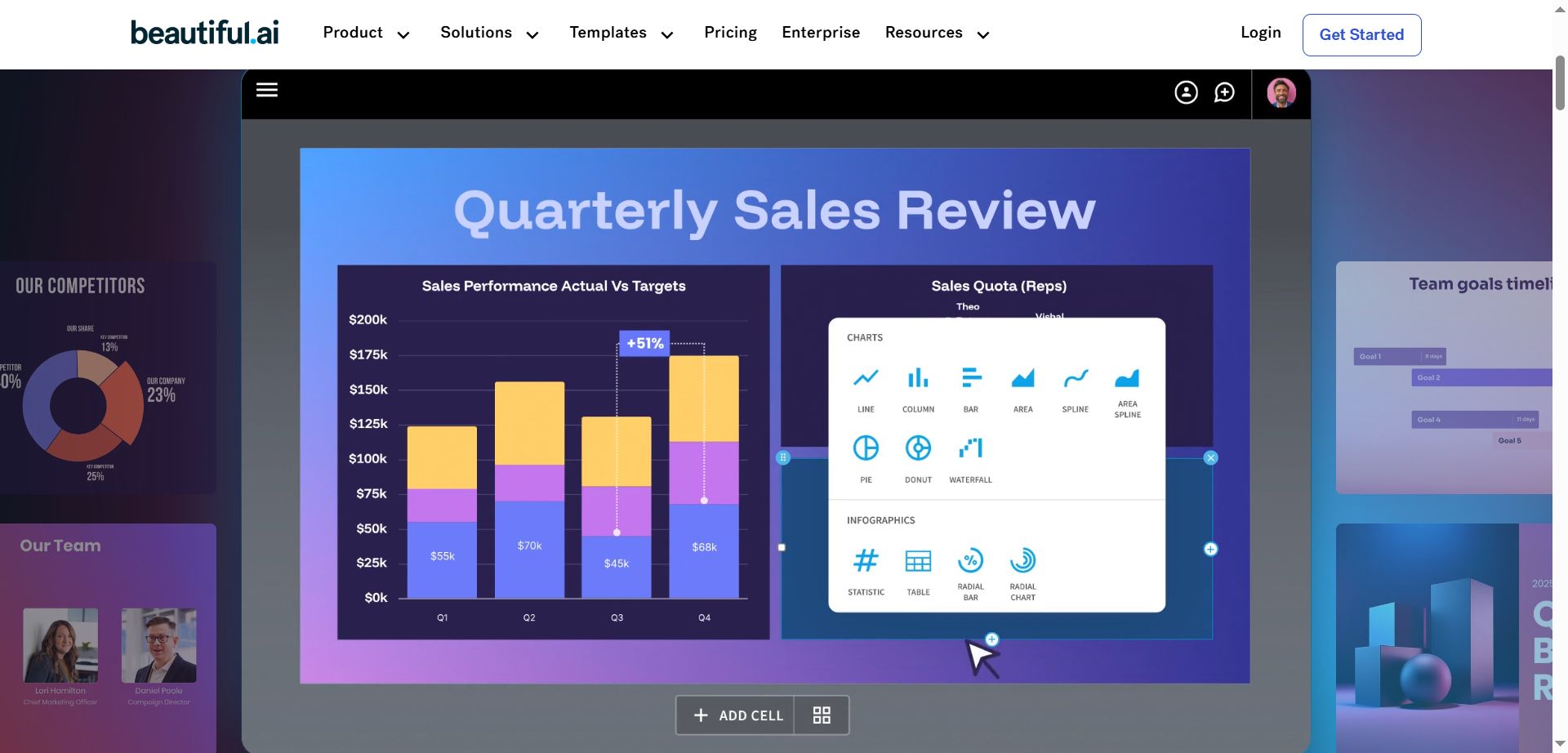
If your priority is ensuring every presentation looks polished and on-brand, Beautiful.ai is your answer. The platform uses proprietary Smart Slides that automatically adapt and rearrange content in real-time according to design rules.
This isn't a tool for designers who want complete creative freedom. Beautiful.ai intentionally restricts manual design adjustments to enforce consistency. While this might frustrate some users, it's exactly what makes the platform valuable for teams and enterprises. You can't accidentally create an off-brand presentation.
The Team plan includes brand guardrails, unlimited workspace resources, and centralized billing. The Enterprise tier adds SOC 2 compliance and SCIM Provisioning, making it suitable for organizations with strict security requirements.
Pricing:
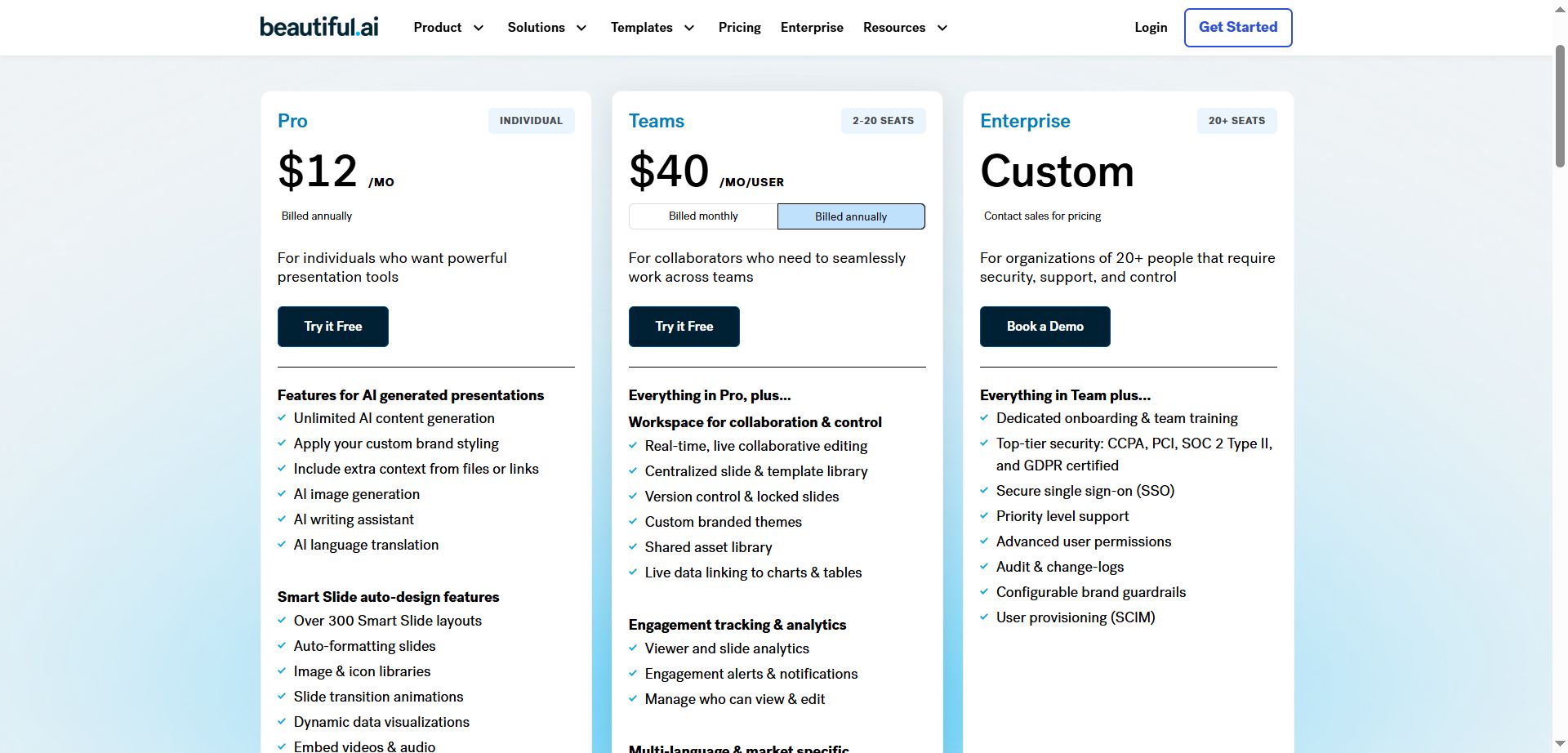
Plans start at $12/month. The benefit of enterprise is they add SOC 2 compliance and SCIM Provisioning, which are very important. They also provide you with a free 14-day trial, allowing you to try the product fully out before committing.
Best for: Professional teams, stakeholders, executives, and organizations where brand consistency is non-negotiable.
Prezi AI: Best for Engagement
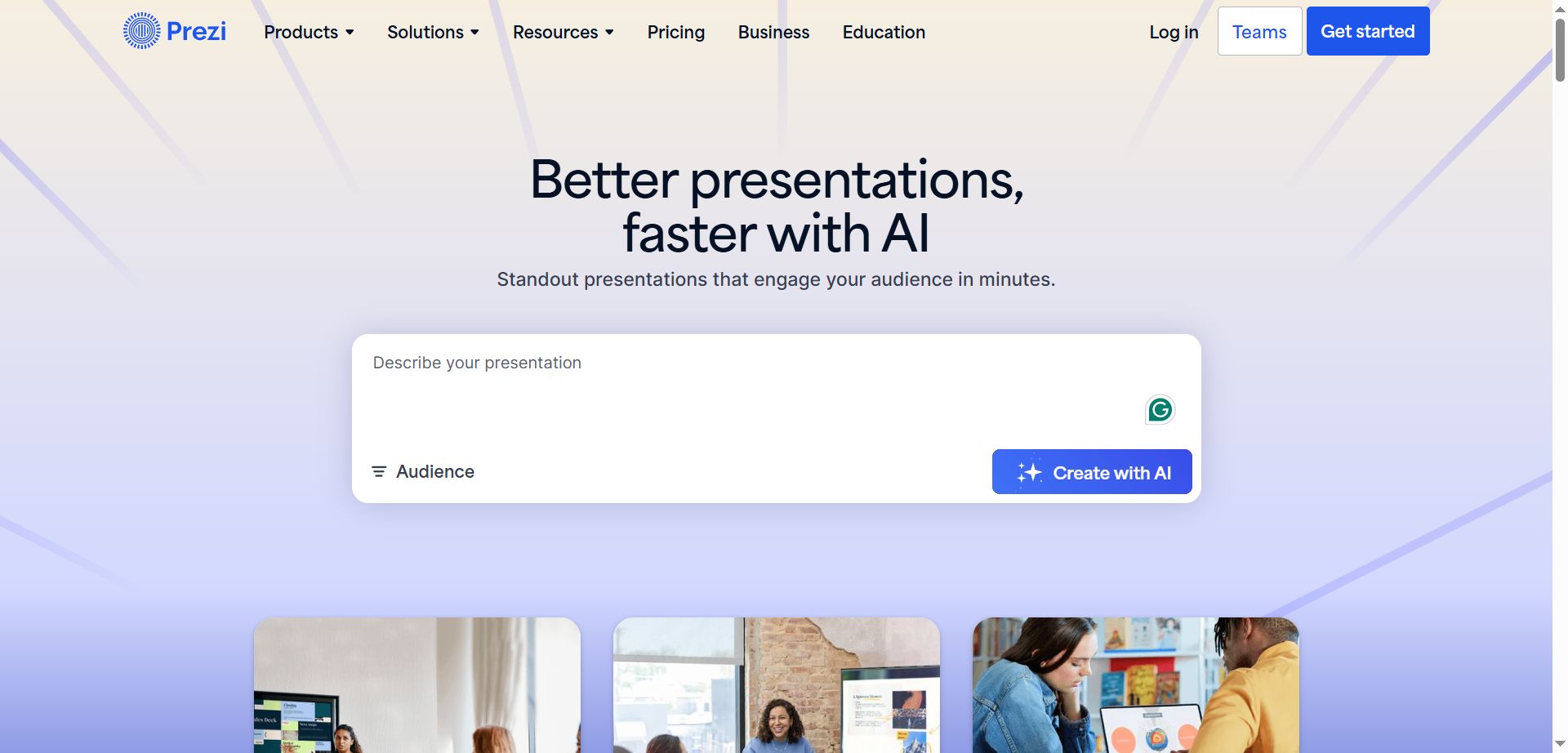
Prezi AI offers something completely different. Instead of traditional slides, presentations exist on one large canvas with frames that zoom and pan cinematically. This non-linear format is remarkably effective at keeping audiences engaged and preventing the fatigue that comes with static slides.
The AI generates interactive content and rich narratives from your topic or outline. While it may not be the fastest for content generation, the quality of the communication experience it creates is unmatched. Prezi also includes practical features like converting PDFs into presentation decks.
Pricing:
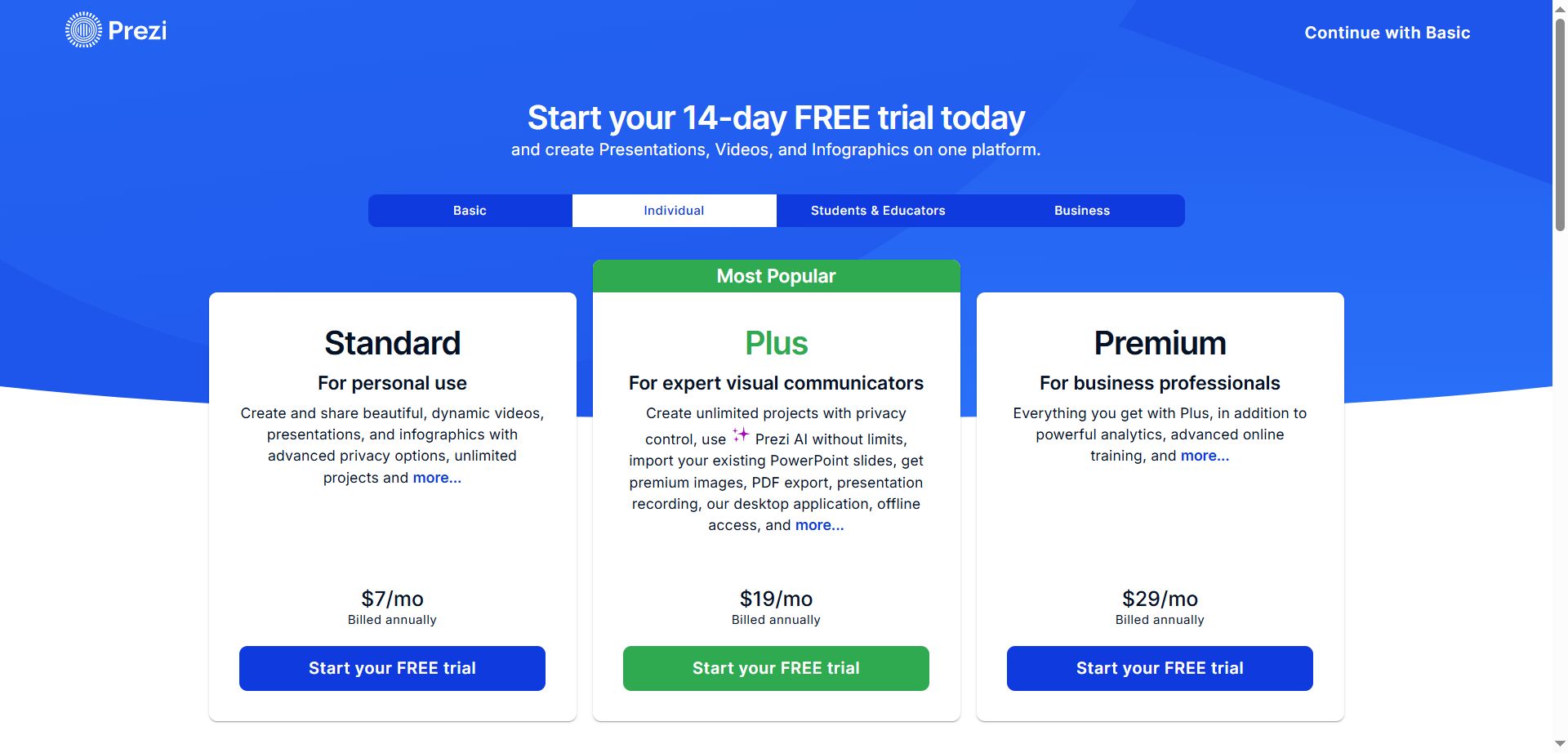
They have a few options in terms of pricing. The Basic tier is very basic. The individual plans work very well and are priced in the same range as others.
Best for: Educators, creative thinkers, and anyone presenting to audiences who need to stay engaged.
Prezent: Best for Enterprises
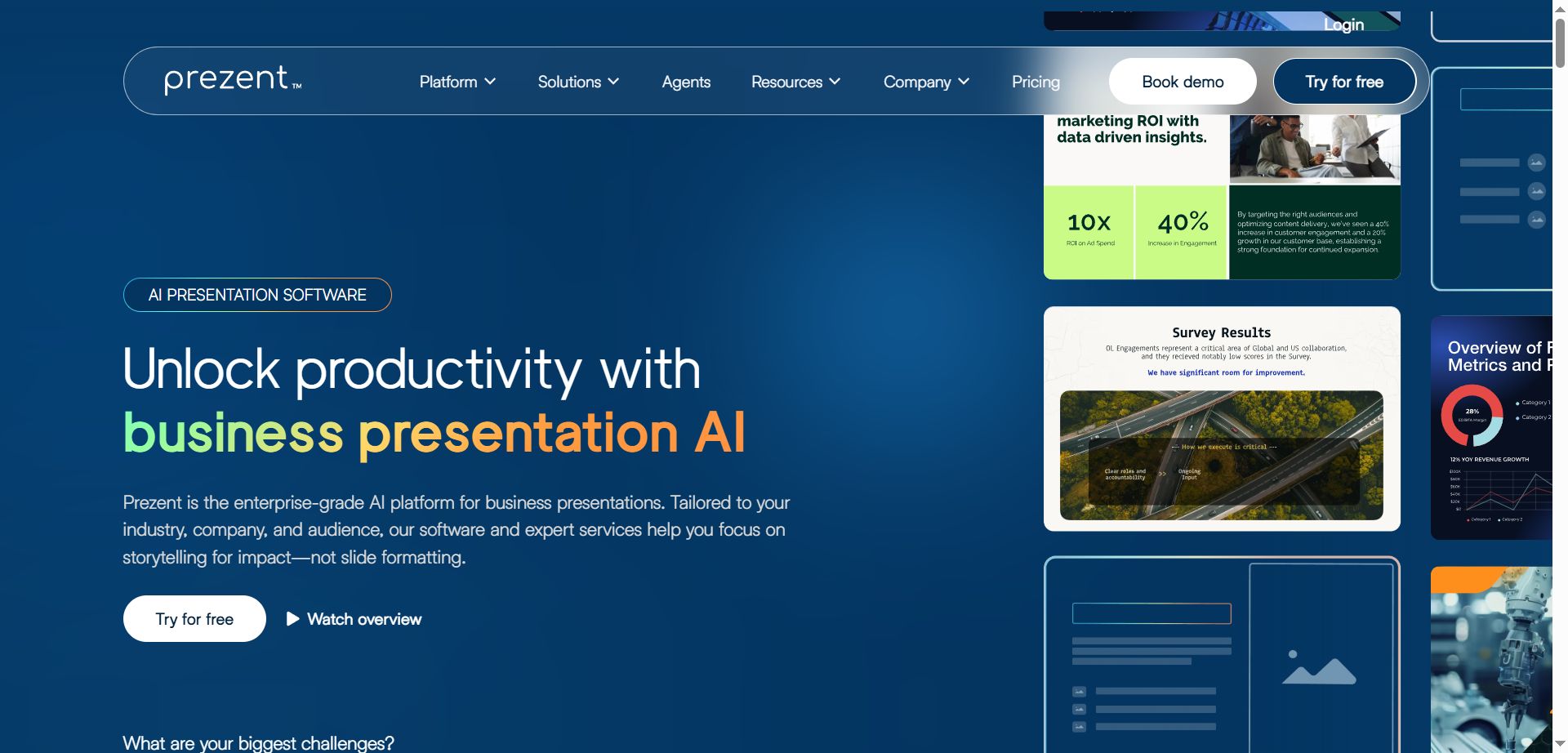
Prezent is built specifically for mid-to-large companies with complex presentation needs.
Its standout feature is Communication Fingerprints, which uses ASTRID AI to map how specific people in your organization prefer to receive information.
Instead of creating one generic presentation, Prezent tailors both content and visual style to match your audience's preference profile. This personalization dramatically increases message effectiveness.
The platform also includes a Story Builder with proven frameworks and a Synthesis Tool that automatically generates executive summaries from lengthy presentations.
Pricing:
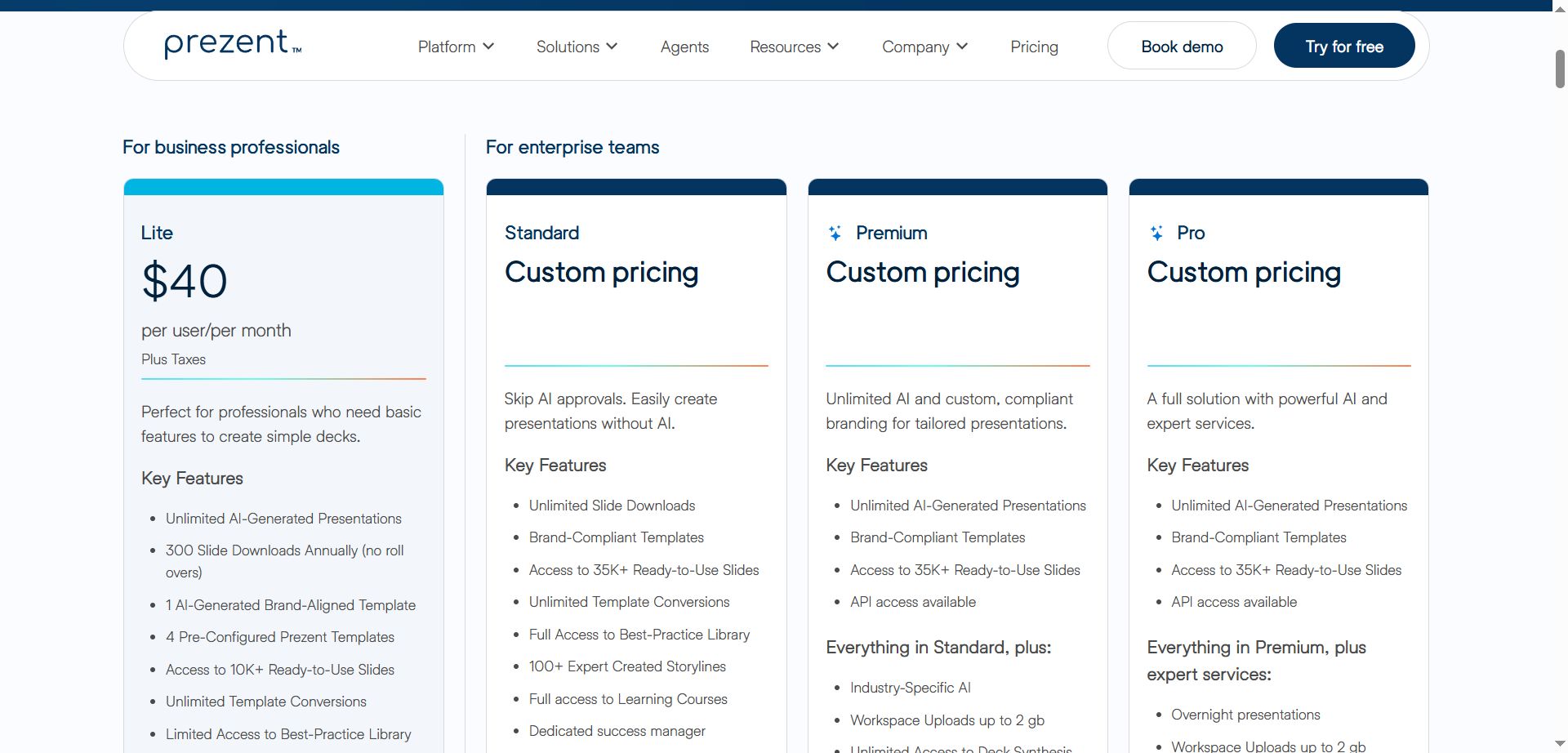
Lite plan at $40/user/month with a 14-day trial (limited to 10 slide generations). Higher tiers are custom-priced.
Best for: Large companies, enterprise teams, project managers, and directors who need speed, consistency, and intelligent personalization.
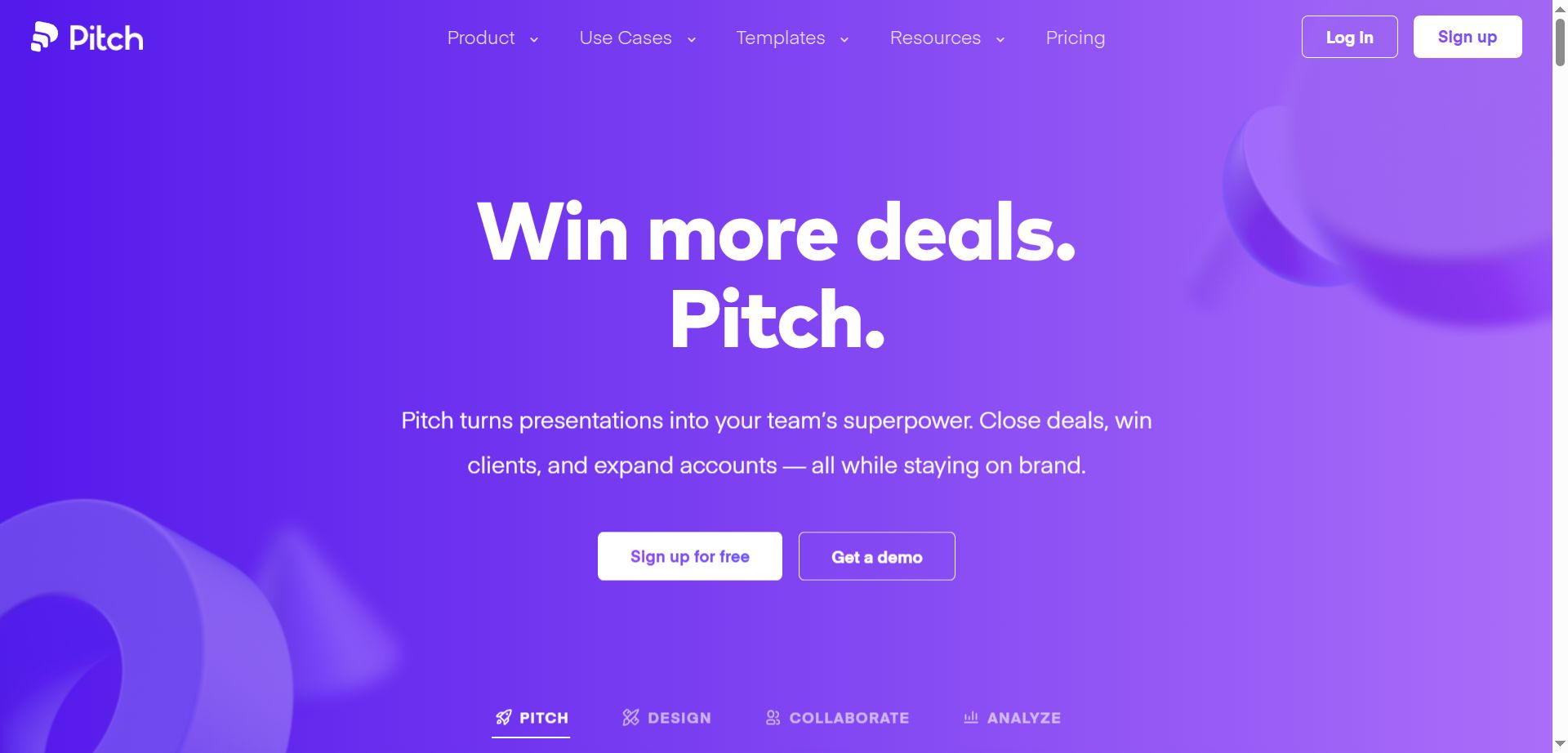
Pitch: Best for Data Integration
Pitch is designed for business and sales professionals who need to incorporate real-time data into their presentations.
The platform offers over 100 professionally designed templates and integrates seamlessly with various data applications.
The ability to display up-to-the-minute statistics directly in your presentation is critical for sales and marketing teams where data accuracy can make or break a pitch.
Pitch also makes it easy to implement client brand visuals quickly for customized presentations.
Pricing:
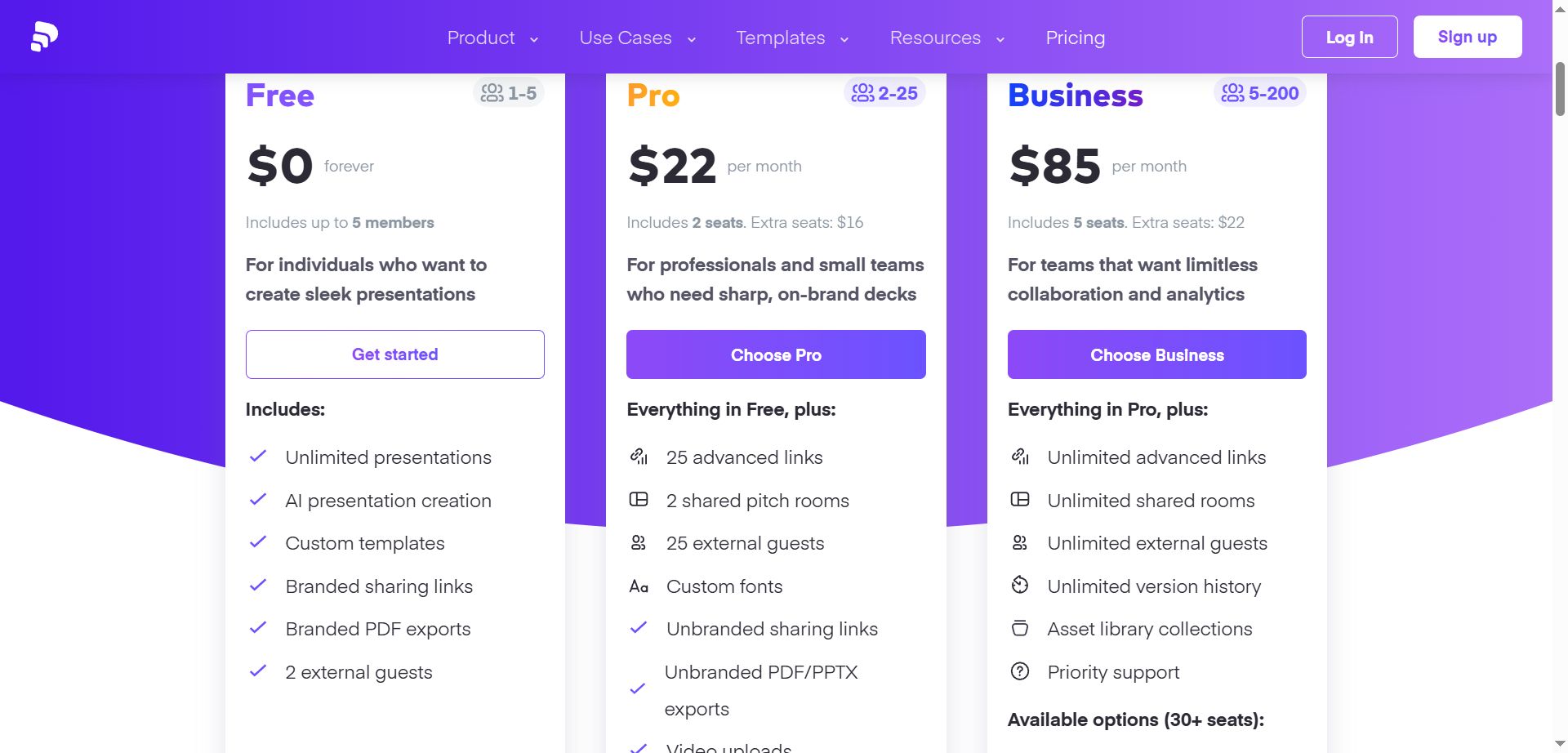
Free plan available with unlimited presentations (includes watermarks). PRO plan at $22/month for 2 users when selecting yearly. Business plan $85/month when selecting yearly.
Best for: Sales and marketing professionals, designers, and business teams who rely on current data.
STORYD: Best for Presentation Structure
STORYD focuses on presentation structure over visual customization. It guides you through established frameworks like Persuasive Sales or Venture Pitch, ensuring your content follows proven rhetorical patterns.
The platform deliberately limits visual editing, keeping you focused on refining your core message. This makes it excellent for business professionals who struggle with narrative organization but don't need complex design output.
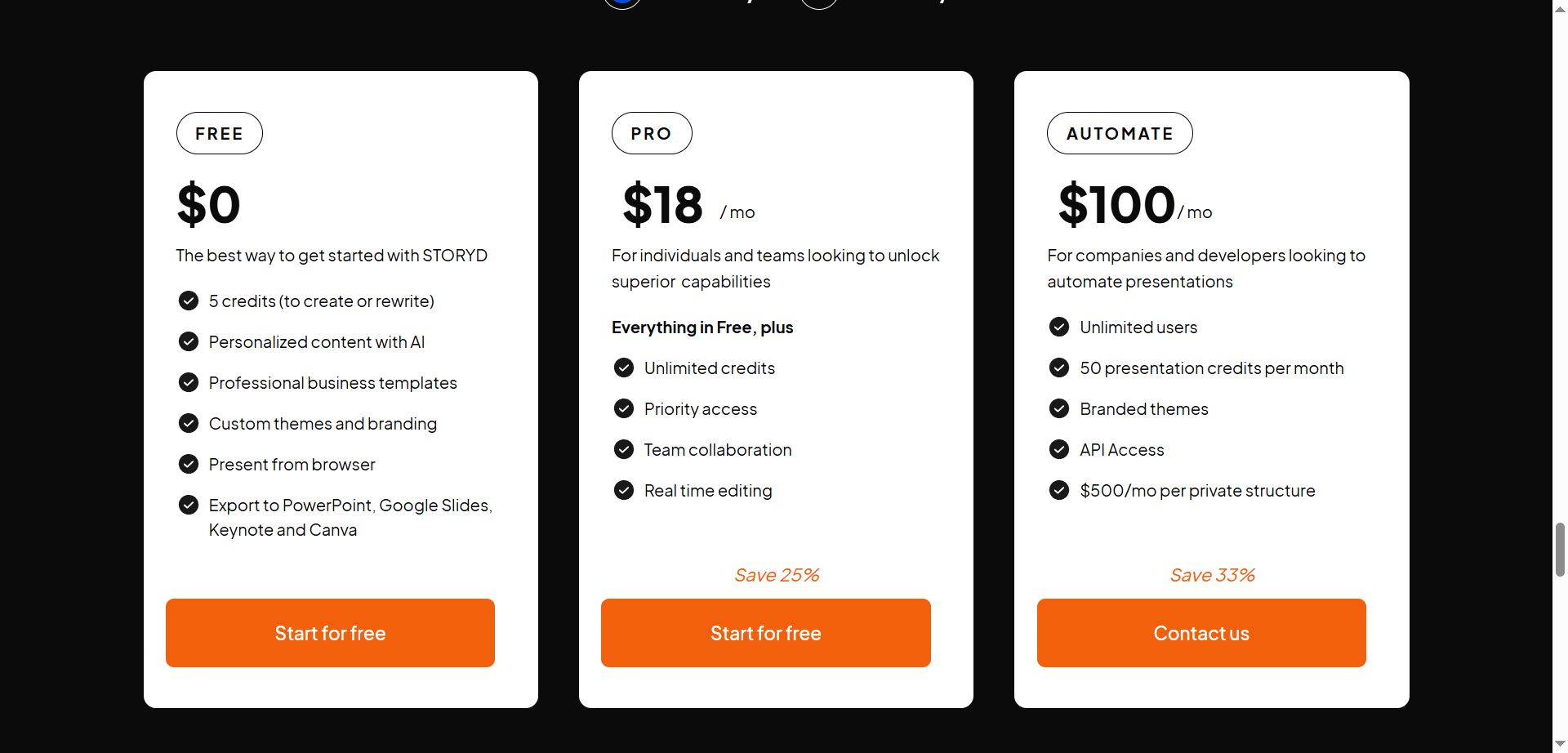
Pricing: Generous free plan plus growth plans for bigger companies.
Best for: Users who are looking for structure and flow in the presentation rather than the visual appeal.
Microsoft Copilot: Best for Fortune 500
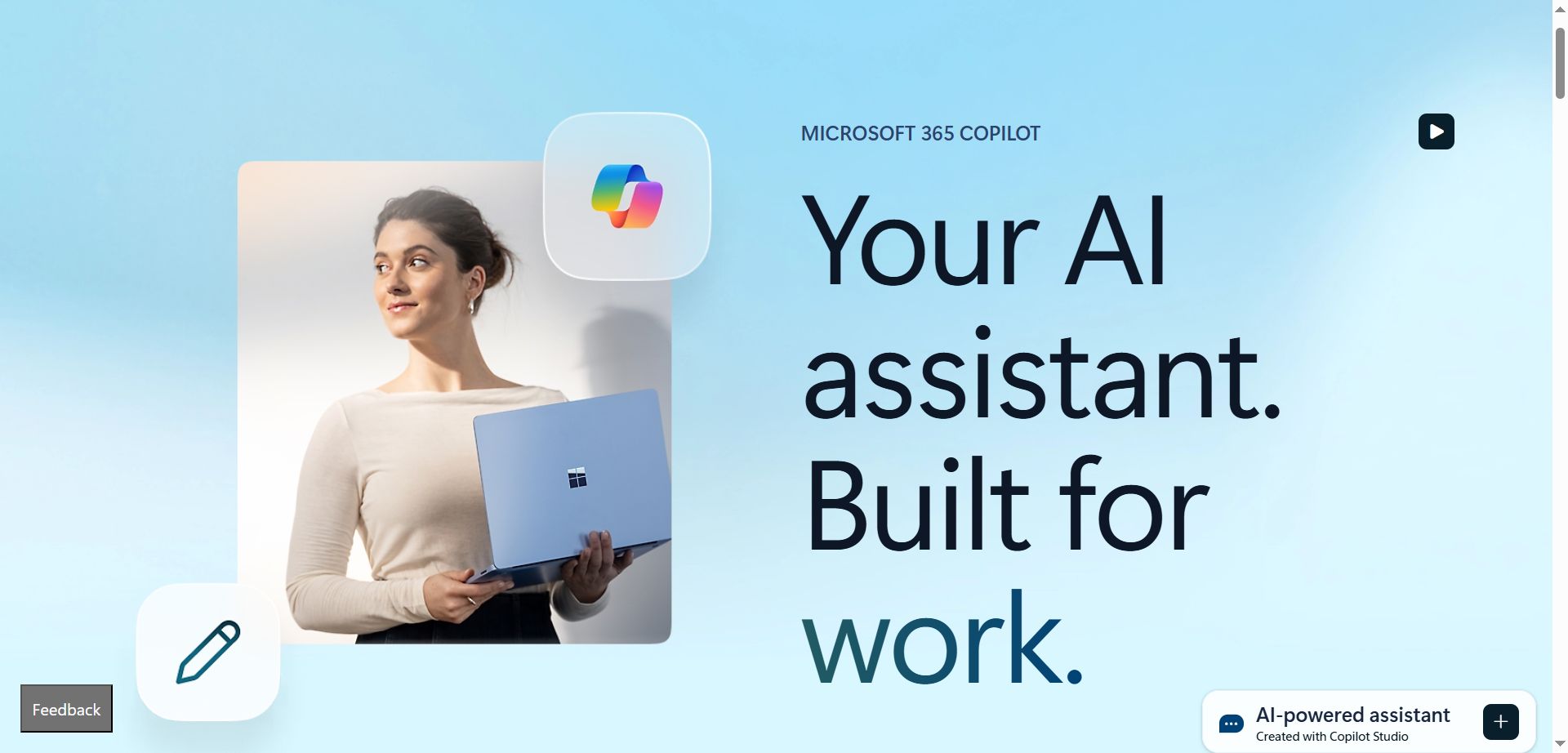
If you're already deep in the Microsoft 365 or Google Workspace ecosystem, Microsoft Copilot makes sense.
Copilot integrates directly into PowerPoint, generating comprehensive presentations from prompts and offering follow-up suggestions to refine content.
If you are at a big bank or other firms that are heavily using Microsoft products, this makes the most sense for you to use.
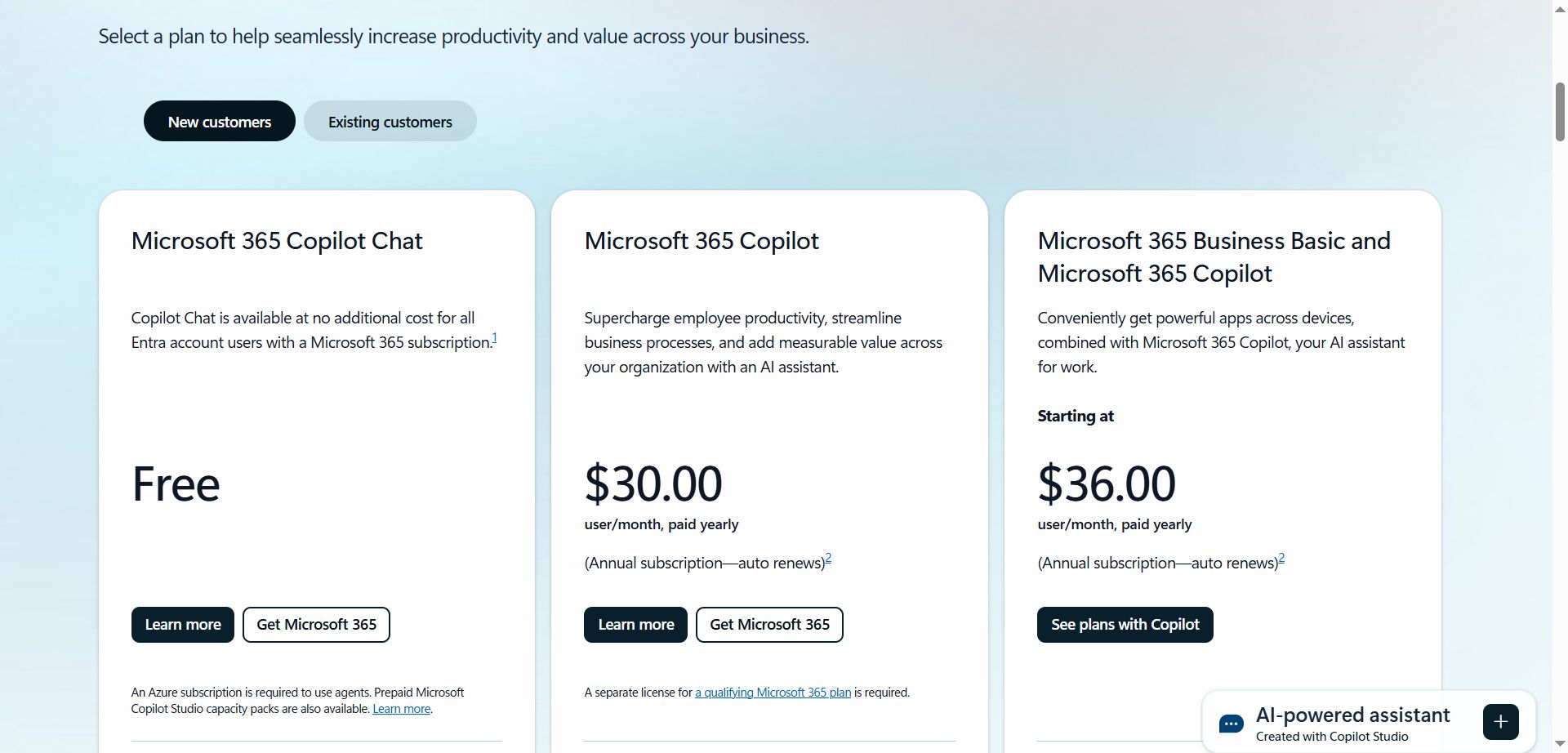
Pricing:
You can test out most of the features in the free plan and if you are using it for your company, they have enterprise deals that provide you with good amounts.
The value comes from minimizing adoption friction and leveraging your existing internal data securely.
Best for: Large enterprises, Fortune 500 companies, and teams already invested in the Microsoft ecosystem.
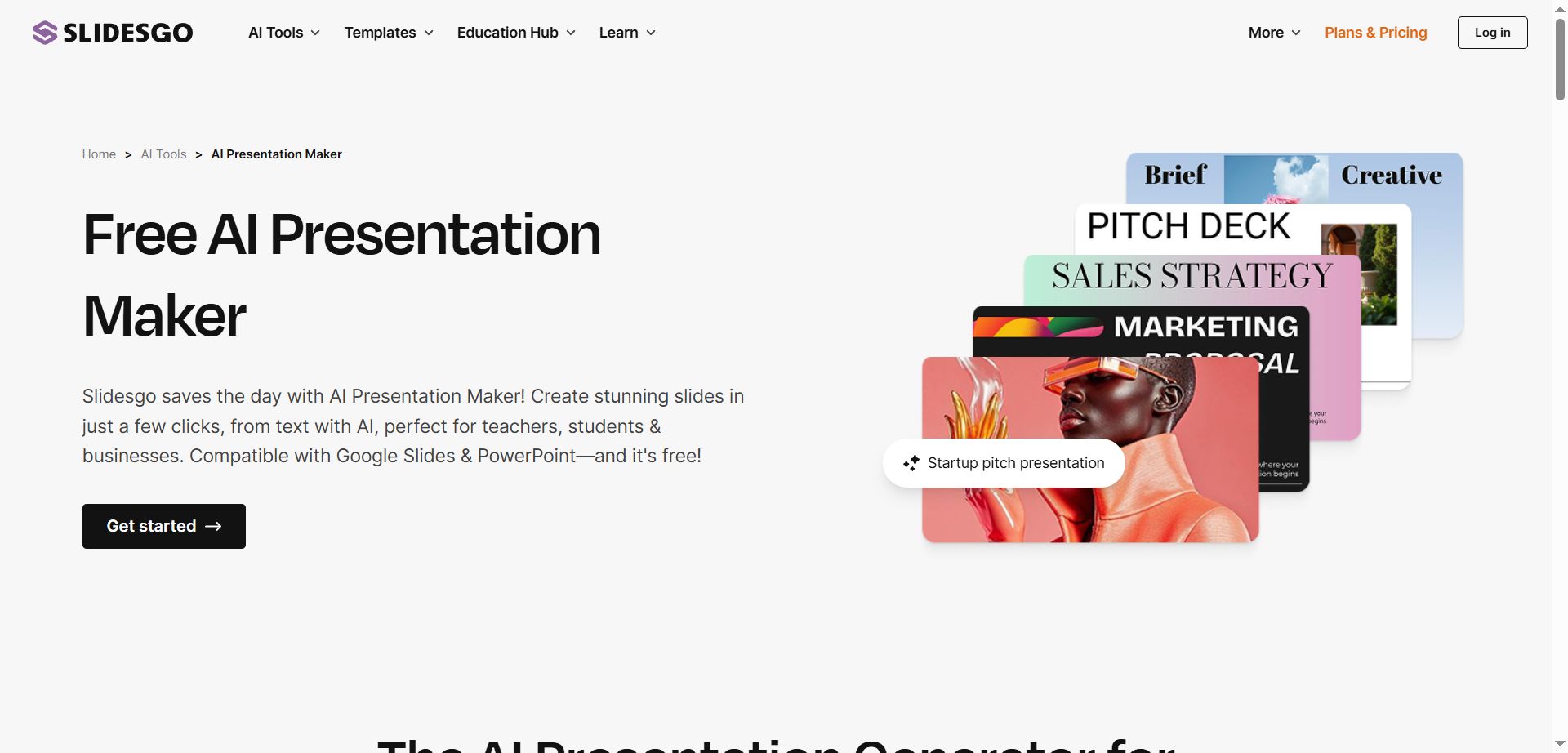
Slidesgo AI: Best Free Option

Go from idea to stunning slides in seconds.

Access a vast library of free, customizable templates for Google Slides, PowerPoint, and Canva. Create stunning presentations faster with an AI maker.
Slidesgo AI offers impressive capabilities for a free tool.
It generates presentations quickly, lets you select topic and tone (formal, funny, etc.), and provides a Canva-like interface for customization.
Pricing:
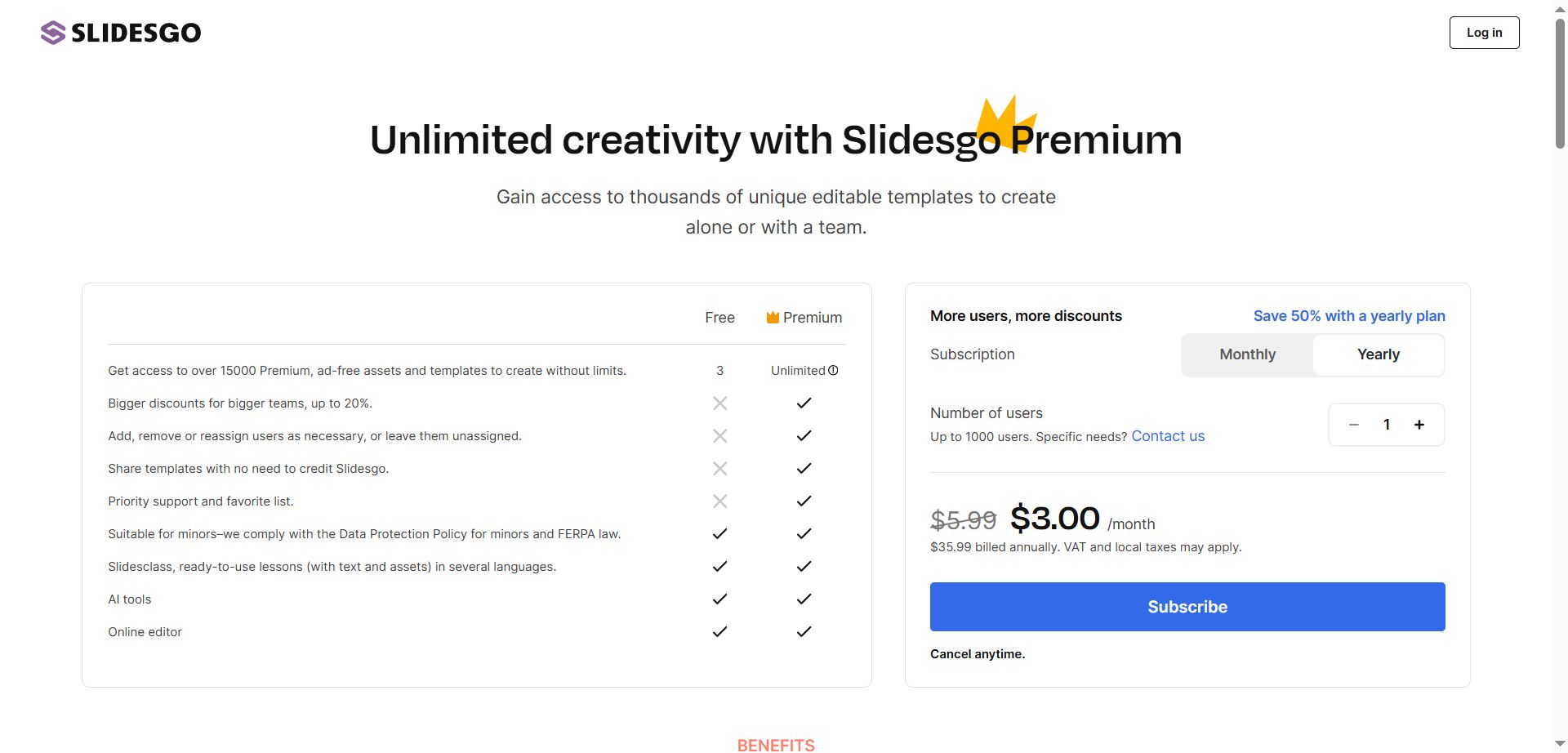
The generous free plan and low starting cost for paid features ($3/month) make it an excellent choice for students and budget-conscious users who want both automation and editing flexibility.
Best for: Personal use, communities, students, and simple presentations.
The Bottom Line
The best AI presentation maker is the one that fits your actual workflow. After testing all these options, Gamma stands out as the top choice for most people because it balances quality, speed, and affordability better than anything else.
Beautiful.ai is the other platform worth serious consideration if you're working with a team that needs strict brand consistency. The higher price makes sense when you factor in the time saved from avoiding endless revision cycles.
Start with free trials to see what clicks. The right tool should feel like it's reading your mind, not fighting against how you naturally work.
Want your developer tool featured? Submit it at awesome.tools/submit. Get discovered by founders and devs actively looking for solutions.